Gemini_Generated_Image_knq44sknq44sknq4

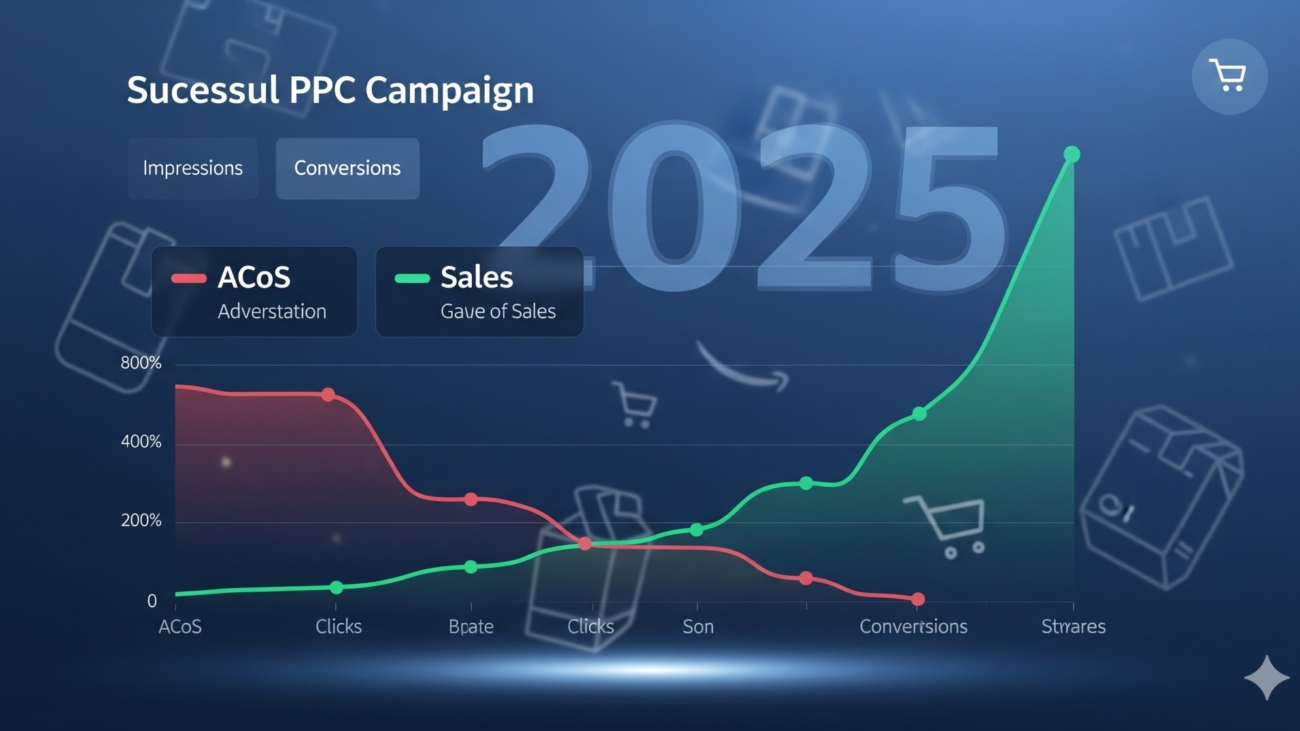
???? From 45% ACoS to 15%: The Amazon PPC Case Study Every Seller Needs to Read

Most sellers think “low ACoS = just lower bids”. Wrong.
In reality, reducing ACoS while scaling sales requires a systematic strategy — one that fixes wasted spend, improves targeting, and optimizes conversion rates simultaneously.

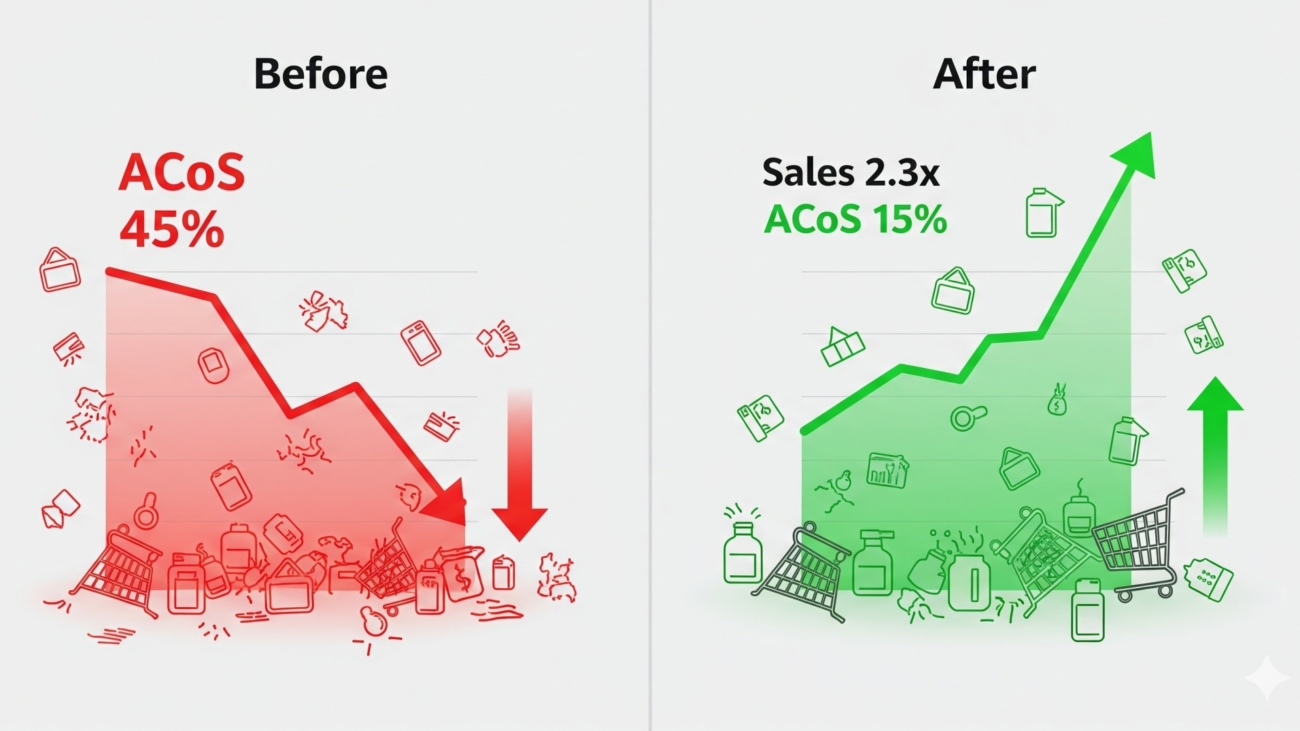
This is the real case study of how we took an account from 45% ACoS down to 15% in 90 days while increasing total sales volume by 2.3x.


???? The Starting Point: Why ACoS Was Bleeding at 45%

When this client (a mid-sized beauty brand) approached us, their PPC was a mess:

  • Too many broad match keywords → irrelevant clicks
  • No negative keywords → wasted budget
  • High CPCs → competing for unprofitable terms
  • Weak listing content → poor conversion rates
  • No structured campaigns → hard to optimize

The result? $4,500/month spent → $10,000 in sales → 45% ACoS.


✅ Step 1: Campaign Restructuring

We rebuilt the campaigns from scratch into a 3-tier funnel:

  1. Discovery Campaigns (Broad + Auto)
    • Purpose: mine new keywords
    • Daily budget capped at 10–15%
    • Harvested winning terms weekly
  2. Scaling Campaigns (Exact Match + High CTR Keywords)
    • Bid aggressively only on proven profitable keywords
    • Segmented by product for better control
  3. Defensive/Conquesting Campaigns (ASIN targeting)
    • Protect own listings from competitors
    • Target competitor ASINs with weaker ratings or higher prices

???? Result after 4 weeks: CTR improved from 0.4% → 0.9%. Wasted spend dropped by 32%.


✅ Step 2: Aggressive Negative Keyword Strategy

We audited the search term report weekly and cut out irrelevant or non-converting terms.

Example:

  • Client sold “Vitamin C Face Serum.”
  • They were spending on keywords like “Vitamin C Gummies” and “Hair Serum” → $400 wasted in one month.

We built negative keyword lists across campaigns to stop that leakage.

???? Result: Saved ~$1,000/month instantly.


✅ Step 3: Optimizing Bids & Placements

Instead of lowering all bids blindly, we used a tiered bidding approach:

  • Top 20% of keywords → +20% bid increase
  • Middle 50% → maintained
  • Bottom 30% (high spend, low sales) → reduced or paused

We also adjusted placement multipliers:

  • Top of search (1st page): +40%
  • Product pages: +20%
  • Rest of search: 0%

???? Result: CPC dropped from $1.85 → $1.20.


✅ Step 4: Fixing the Listing Conversion Rate

Ads don’t matter if your listing doesn’t convert.
We revamped:

  • Title: keyword-rich, benefit-driven
  • Bullets: problem-solution style instead of boring specs
  • Images: added lifestyle + infographic images
  • A+ Content: comparison charts + FAQ section

???? Result: Conversion rate jumped from 8% → 15%.


✅ Step 5: Scaling With Sponsored Brands & Video

Once ACoS stabilized below 25%, we introduced Sponsored Brands Video Ads (killer CTR and lower CPCs).

  • CTR: 1.6% (4x higher than Sponsored Products)
  • CPC: $0.85 (cheaper than average Sponsored Product bids)

These ads positioned the brand as premium while also lowering blended ACoS.


???? The Final Results After 90 Days

  • ACoS: 45% → 15%
  • Monthly PPC Spend: $4,500 → $6,200 (scaled up budget)
  • Monthly Sales: $10,000 → $23,000
  • Conversion Rate: 8% → 15%
  • Wasted Spend: Cut by 70%

???? The magic wasn’t one trick — it was a systematic combination of campaign structure, negative keywords, bidding strategy, and listing optimization.


???? Key Takeaways for Sellers

  1. Don’t fear higher ad spend. The goal is lowering ACoS while scaling sales, not just cutting spend.
  2. Audit your search term reports weekly. Wasted spend adds up fast.
  3. Structure campaigns properly. Chaos in structure = chaos in results.
  4. Fix your listing first. Ads can’t fix a bad listing.
  5. Experiment with new ad types. Sponsored Brands Video can be a game-changer.

???? Final Word

Cutting ACoS from 45% to 15% isn’t about “luck.” It’s about discipline, structure, and data-driven optimization.
If you’re stuck with rising ACoS and no growth, this case study proves it’s possible to win — with the right strategy.

???? Want us to do this for your brand? [Book a free ACoS audit here]
Gemini_Generated_Image_b97klub97klub97k

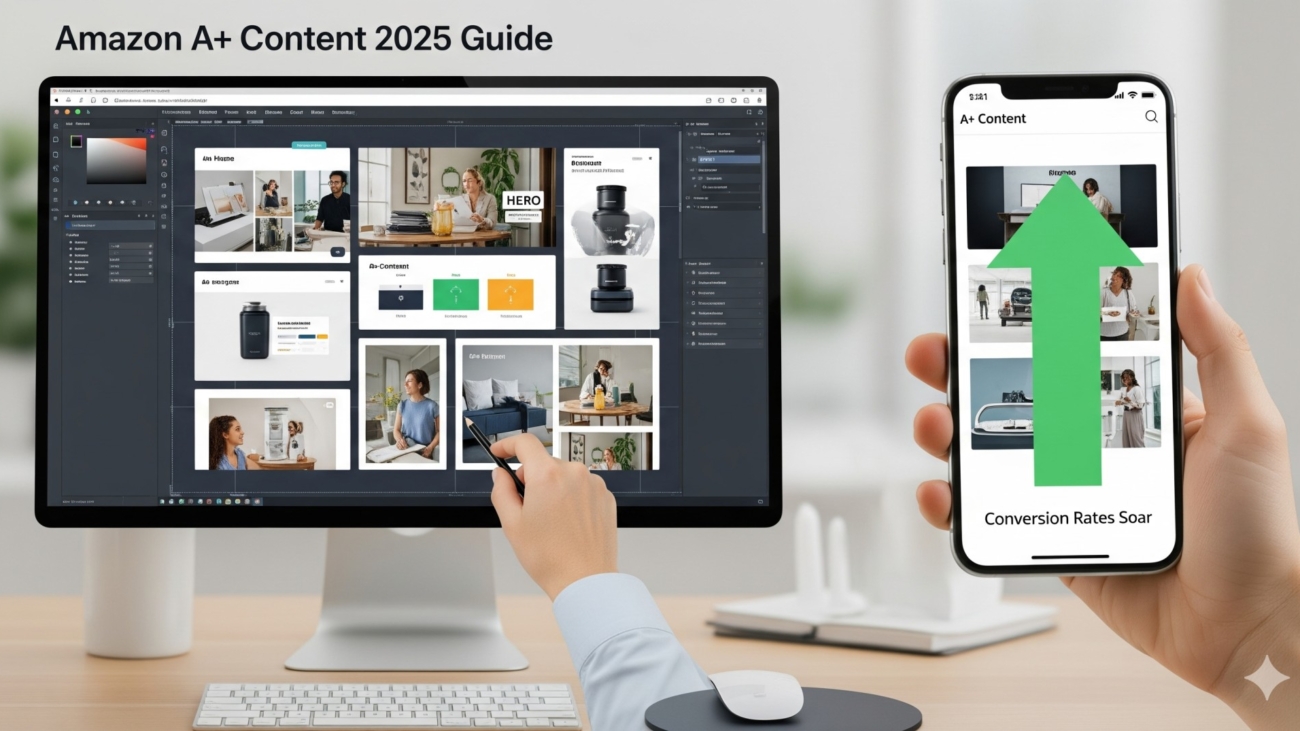
The Ultimate Beginner’s Guide to Amazon A+ Content (2025 Edition)

Everything you need to know about dimensions, modules, rules & design tips

A+ Content (also known as Enhanced Brand Content for sellers) is one of the most powerful tools you get once you’re brand registered on Amazon. Done right, it can:

  • Increase your conversion rates by 10–30%
  • Build trust and authority for your brand
  • Help your product stand out in competitive niches

But if you’re a new seller, creating A+ Content can feel overwhelming. What dimensions should you use? What modules work best? What mistakes get you rejected?

Don’t worry — this guide covers everything you need to know about building your first A+ Content the right way.


1. What is Amazon A+ Content?

A+ Content lets you replace the standard product description with customized modules that include images, charts, comparison tables, and formatted text. This gives your listing a premium, brand-owned look — almost like a mini landing page inside Amazon.


2. A+ Content Requirements (Who Can Use It?)

  • You must be enrolled in Amazon Brand Registry.
  • Your brand must own the trademark.
  • Not available for individual resellers — only brand owners.

3. Amazon A+ Content Image Dimensions (2025)

Here’s the most up-to-date breakdown of the image sizes you’ll need (always upload high-resolution JPG or PNG, max 2 MB, RGB color):

  • Full-Width Banner: 970 x 600 px
  • Standard Image with Text Overlay: 300 x 300 px
  • Four Image Quadrant: 220 x 220 px per image
  • Comparison Chart Images: 150 x 150 px
  • Standard Company Logo: 600 x 180 px
  • Video (if using Premium A+): 970 x 300 px (under 2 mins, MP4 only)

???? Pro tip: Always design a little larger than required (e.g., 1200 px wide) so it stays sharp on Retina/4K screens.


4. A+ Content Modules (What You Can Add)

Amazon gives you different module layouts to build your A+:

  • Full-Width Banner (hero image with headline text)
  • Single Image + Text
  • Multiple Image Modules (2–4 images in a row)
  • Comparison Charts (compare your product vs others)
  • Text Only (rarely used, but available)

???? For new sellers: Start with 1 hero banner + 2 lifestyle modules + 1 comparison chart + 1 brand story. It’s simple and effective.


5. Best Practices for New Sellers

Here’s what you must keep in mind when building A+:

Keep text short. Each paragraph should be under 100 words. People skim.
Use lifestyle photography. Show people actually using your product.
Highlight benefits, not features. Instead of “Stainless Steel,” write “Rustproof design that lasts for years.”
Stay mobile-friendly. Over 70% of Amazon shoppers browse on mobile. Test your design on a small screen.
Alt text for SEO. Every image lets you add alt text — use keywords naturally.
Don’t duplicate info from bullets. Use A+ to expand, not repeat.


6. Amazon A+ Content Rules & Restrictions

Amazon is strict about what you can’t include in A+ Content. Here are the most common rejection reasons:

❌ No pricing info (like “Only $19.99!”)
❌ No promotional language (“Best Seller,” “#1 Rated”)
❌ No customer reviews or star ratings in images
❌ No external links
❌ No blurry/low-res images
❌ No spelling/grammar mistakes (Amazon rejects sloppy copy fast)

???? Always double-check the A+ Content Guidelines in Seller Central before submitting.


7. How to Structure Your A+ Content for Maximum Sales

Here’s a proven flow:

  1. Hero Banner: Big lifestyle image + headline (“Built for Everyday Adventures”).
  2. Problem → Solution Module: Show the pain points your product solves.
  3. Feature Grid: 3–4 images with short benefit text.
  4. Comparison Chart: Show why you’re better than competitors.
  5. Brand Story Section: Build trust and emotional connection.

This keeps shoppers engaged, answers objections, and ends with trust.


8. Premium A+ Content (Optional Upgrade)

If you qualify, Amazon offers Premium A+ (invite-only for high-performing brands). This unlocks:

  • Interactive carousels
  • Videos
  • Hotspot modules (clickable images)
  • Enhanced comparison tables

???? But don’t stress if you don’t have it — standard A+ is more than enough to boost conversions.


9. Measuring A+ Content Performance

After publishing, monitor these KPIs:

  • Conversion Rate (CVR): Did conversions improve after launch?
  • Session Duration: Are people staying longer on your listing?
  • Return Rates: Did better explanation reduce returns?

You can track this via Business Reports in Seller Central.


10. Final Checklist for Your First A+ Content

✅ High-res images in correct dimensions
✅ Keyword-rich alt text in every image
✅ Short, scannable text (benefits > features)
✅ Lifestyle photography, not stock photos
✅ Comparison chart with clear advantages
✅ Brand story for trust
✅ Compliance with Amazon rules


Final Takeaway

A+ Content isn’t optional anymore. In 2025, it’s the difference between a listing that blends in and a listing that prints money. If you’re just starting out, follow the image dimensions, stick to the proven layout flow, and always design for mobile-first.

???? Want a team of pros to design A+ Content that converts like crazy? [Book your free creative consultation here]

Gemini_Generated_Image_bl21bmbl21bmbl21

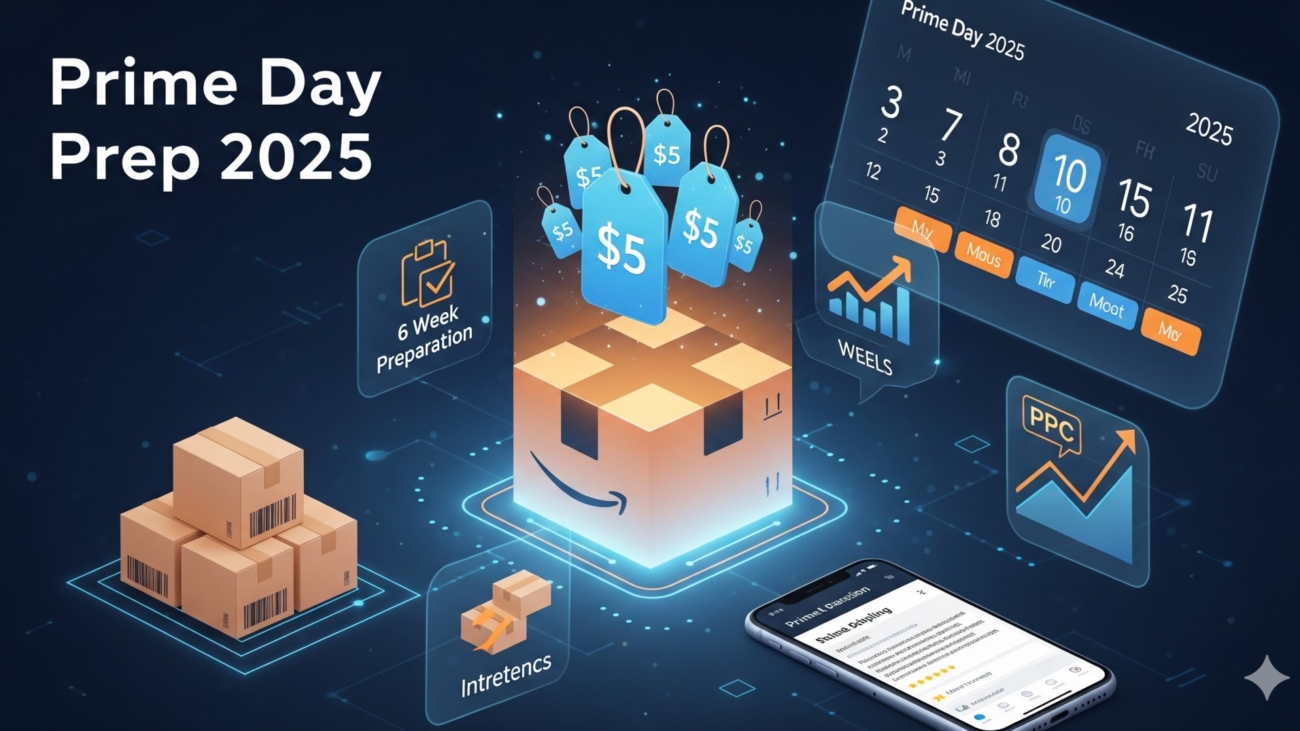
???? Prime Day Prep 2025: The Ultimate 6-Week Seller Checklist for Maximum ROI

Prime Day is Amazon’s biggest sales event of the year, and if you’re not preparing in advance, you’ll be left watching competitors steal the spotlight (and the Buy Box). The truth is: Prime Day success isn’t about one weekend of discounts — it’s about a 6-week runway of strategic prep.

Here’s your step-by-step 6-week Prime Day checklist to maximize sales, reduce ACoS, and come out profitable.


✅ Week 6: Inventory Planning & Forecasting

???? Why it matters: Running out of stock during Prime Day = lost sales + lost ranking + expensive recovery.

Checklist:

  • Analyze last year’s sales data + current growth trends.
  • Forecast at least 1.5x – 2x your average monthly sales volume for Prime Day inventory.
  • Factor in lead times (factory → shipping → Amazon receiving).
  • Use Amazon’s Restock Inventory Tool for SKU-specific guidance.
  • Don’t forget buffer stock for potential lightning deals or extended campaigns.

Pro Tip: Ship inventory to multiple FBA warehouses early. Amazon often delays check-ins in June/July due to demand surges.


✅ Week 5: Product Listing Optimization

???? Why it matters: Traffic spikes during Prime Day, but only optimized listings convert.

Checklist:

  • Update titles, bullets, and descriptions with seasonal + high-volume Prime Day keywords.
  • Add lifestyle images showing product usage scenarios.
  • Upload comparison charts (great for differentiating against competitors).
  • Ensure A+ Content is live with mobile-friendly layouts.
  • Optimize for mobile (70%+ of Prime Day traffic comes from phones).

Dimensions to Remember:

  • Amazon Main Image: 2000 x 2000 px (minimum 1000 x 1000 for zoom).
  • A+ Image Banners: 970 x 600 px.
  • Comparison Charts: 300 x 300 px (per product box).

Pro Tip: Add a “Prime Day Limited Deal” callout in A+ modules to increase urgency.


✅ Week 4: PPC Campaign Structuring

???? Why it matters: Ad costs skyrocket during Prime Day, so poor structure = wasted budget.

Checklist:

  • Create separate Prime Day campaigns (don’t touch evergreen campaigns).
  • Segment by match type (Exact, Phrase, Broad).
  • Increase bids gradually (10–15% per week) to warm up your campaigns.
  • Launch Sponsored Brands Video Ads — higher CTR and lower CPCs than standard SB.
  • Use ASIN targeting to conquest competitors running deals.

Pro Tip: Start testing ad creatives now. By Prime Day, you’ll know exactly which headlines, images, or videos drive the best CTR.


✅ Week 3: Pricing & Promotions

???? Why it matters: Discounts drive clicks, but strategy keeps you profitable.

Checklist:

  • Apply for Lightning Deals early (Amazon usually requires submissions 4–6 weeks in advance).
  • Consider Coupons (the green badge increases CTR up to 25%).
  • Use Prime Exclusive Discounts (highlighted in search results).
  • Test tiered promotions (e.g., Buy 2 Get 10% Off).

Pro Tip: Don’t slash prices blindly. Calculate breakeven ACoS + target margin, then set discounts accordingly.


✅ Week 2: Creative Assets & Marketing

???? Why it matters: Customers shop visually — Prime Day is no different.

Checklist:

  • Design new hero images with Prime Day messaging.
  • Build brand store Prime Day page (Amazon lets you schedule it in advance).
  • Prepare short videos (15–30 seconds) for Sponsored Brands Video.
  • Create social media teasers (IG/FB ads, email blasts).
  • Align influencer collaborations for extra traffic.

Pro Tip: Add comparison tables in your brand store to help shoppers pick faster (Amazon favors stores that drive conversions).


✅ Week 1: Final Checks & Launch Prep

???? Why it matters: Last-minute errors = campaign disasters.

Checklist:

  • Double-check inventory is received and available.
  • Confirm all promotions and coupons are live.
  • Test ad campaigns with dayparting (ads running during peak shopping hours).
  • Use Amazon Attribution for external traffic (social/email).
  • Monitor competitor pricing — be ready to adjust dynamically.

Pro Tip: Assign someone on your team to live-monitor campaigns hourly on Prime Day. CPCs and sales velocity can swing wildly.


✅ Bonus: Post-Prime Day Follow-Up

???? Why it matters: Most sellers ignore the aftermath — huge mistake.

Checklist:

  • Retarget all Prime Day visitors with Sponsored Display ads.
  • Analyze ACoS, TACoS, CVR, and sales lift compared to baseline.
  • Launch a post-Prime Day sale to clear excess inventory.
  • Gather reviews from the Prime Day sales spike to boost long-term rank.

???? Final Thoughts

Prime Day isn’t about just showing up — it’s about preparing strategically. The sellers who crush it aren’t lucky, they’ve followed a step-by-step system weeks before the event.

With this 6-week Prime Day checklist, you’ll be ready to:
✅ Keep inventory flowing
✅ Dominate search results with ads
✅ Convert with optimized listings
✅ Protect margins while scaling sales

Gemini_Generated_Image_3937033937033937

???? 21 Amazon Title & Bullet Secrets the Top 1% of Sellers Don’t Want You to Know

Most sellers treat titles and bullets like an afterthought. Big mistake. Your title decides if shoppers even see your product. Your bullets decide if they buy. Together, they make or break your Amazon success.

Here’s the ultimate guide — packed with 21 secrets, hacks, and proven formulas — to write titles and bullets that rank higher, get more clicks, and double your conversions.


???? Secret #1: The Million-Dollar Title Formula

[Brand] + [Main Keyword] + [Unique Feature/Benefit] + [Size/Quantity/Color]

????‍♂️ Secret #2: The Title Mistakes That Are Killing Your Ranking

(And you’re probably guilty of at least one.)


???? Secret #3: Bullets Are Not Features — They’re Sales Weapons

Learn to flip features into emotional, benefit-loaded lines.


???? Secret #4: The “Keyword Zombie” Problem

Why stuffing every keyword backfires and what to do instead.


???? Secret #5: The Copy Hack That Makes Bullets Convert 2x Faster

(Hint: It’s about emotion, not specs.)


???? Secret #6: Tools That Spy on High-Ranking Competitors

And how to steal their keyword playbook.


???? Secret #7: The Emotional Triggers That Make Shoppers Click ‘Add to Cart’

Relief. Trust. Confidence. Proof. Learn to tap into them.


???? Secret #8: The A/B Testing Trick That Separates Amateurs from Pros

Amazon Experiments will tell you exactly which copy puts more money in your pocket.


✅ Final Takeaway:

Your title is your click magnet.
Your bullets are your sales pitch.
Master these 21 secrets, and you’ll outrank competitors who are still writing lazy copy.

???? Want us to do it for you? [Book a free listing optimization session here]

Gemini_Generated_Image_yrc1efyrc1efyrc1

18+ Amazon PPC Hacks You Wish You Knew Sooner (Cut ACoS, Boost Sales, Dominate 2025)

When it comes to Amazon PPC, most sellers fall into one of two traps:

  1. They “set and forget” campaigns, letting Amazon chew through their margins.
  2. They over-optimize, tweaking bids daily until they’re exhausted and frustrated.

The truth? Amazon PPC is not about doing more. It’s about knowing the leverage points that actually move the needle. Here are 18+ advanced hacks our team has tested across millions in ad spend that will save you wasted dollars and push your campaigns toward profitability.


1. The Keyword Harvesting Machine
Always run an auto campaign alongside your manual ones. Why? Because auto campaigns discover hidden long-tail keywords. Every week, harvest the winners (high CTR + conversions) into an exact match manual campaign and add the losers as negatives.

2. Exact Match Isolation
Never dump broad, phrase, and exact match keywords into the same campaign. Exact matches deserve their own campaigns because they perform differently. This hack alone can reduce wasted spend by 10–15%.

3. Dayparting Power Move
Your shoppers aren’t online 24/7 — why should your ads be? Use hourly performance reports to identify your peak sales times. Pause campaigns when shoppers aren’t converting (like 2 AM–6 AM in some markets).

4. The Budget Waterfall Method
Stop capping budgets too early. Instead, design a budget waterfall:

  • Top-performing campaigns get unlimited budgets.
  • Middle performers get a daily cap.
  • Test campaigns get tiny budgets.
    This way, winners never go dark.

5. The ACoS vs TACoS Trap
Too many sellers obsess over ACoS. The truth? TACoS (Total Advertising Cost of Sales) tells you the real story. If TACoS is shrinking while sales grow, you’re building organic rank — even if ACoS looks “bad.”

6. Placement Bid Adjustments
Sponsored Products let you increase bids by placement (Top of Search vs Rest of Search vs Product Pages). Small increases (like +20% at Top of Search) can skyrocket visibility and sales velocity.

7. Single Keyword Campaigns (SKCs)
Your top revenue-driving keywords deserve a campaign of their own. That way, you can control bids, placement, and budget without interference.

8. The Negative Keyword Deep Clean
Don’t just block obvious irrelevant terms. Use Amazon Search Term Reports to spot “budget vampires” — keywords with clicks but no sales — and shut them down.

9. The “ASIN Targeting Goldmine”
Target competitor ASINs with Sponsored Display and Sponsored Products. Steal their traffic by showing up on their product detail pages. Bonus: Pick ASINs with bad reviews — you’ll look better instantly.

10. Dynamic Bidding “Down Only” Mode
If you’re bleeding money, switch campaigns to “Down Only” dynamic bidding. This tells Amazon to lower your bid if the click is less likely to convert.

11. Branded Campaign Shield
Always run a branded campaign (targeting your own brand keywords). Why pay for clicks on your own brand? Because if you don’t, competitors will.

12. The “Coupon Magnet” Trick
Ads with coupons (green tag) get higher CTR. Even a small discount (5%) can drastically improve ad efficiency.

13. The ASIN Defense Wall
Protect your best products by running Sponsored Display campaigns targeting your own ASINs. This prevents competitors from stealing your customers.

14. Category Targeting + Refinements
Sponsored Display allows you to target by category. Layer refinements like review rating, price range, and Prime eligibility to snipe the perfect audience.

15. The Launch Blitz Funnel
When launching, use this 3-step funnel:

  • Auto campaigns for discovery.
  • Exact match for ranking.
  • Sponsored Brand Video for attention.
    This accelerates organic lift.

16. The Review Mining Copy Hack
Look at competitor reviews and pull phrases directly into your ad copy and A+ content. You’ll speak the customer’s language better than any keyword tool.

17. The 80/20 Bid Rule
80% of results usually come from 20% of keywords. Double down on the top 20% instead of wasting hours micromanaging the rest.

18. Creative Testing with Sponsored Brand Video
Test different hooks, visuals, and captions. A simple change like opening with “Problem → Solution” can double CTR.

19. Don’t Ignore DSP
Amazon DSP (demand-side platform) lets you retarget shoppers outside Amazon. It’s a game-changer for scaling once you’ve nailed Sponsored Products.


Final Takeaway:
Amazon PPC isn’t about chasing every shiny tool. It’s about knowing these hacks and applying them systematically. Implement even 5 of these, and you’ll see ACoS drop while sales scale.

???? Want us to apply all 18+ hacks directly to your account? [Book a free audit here]