
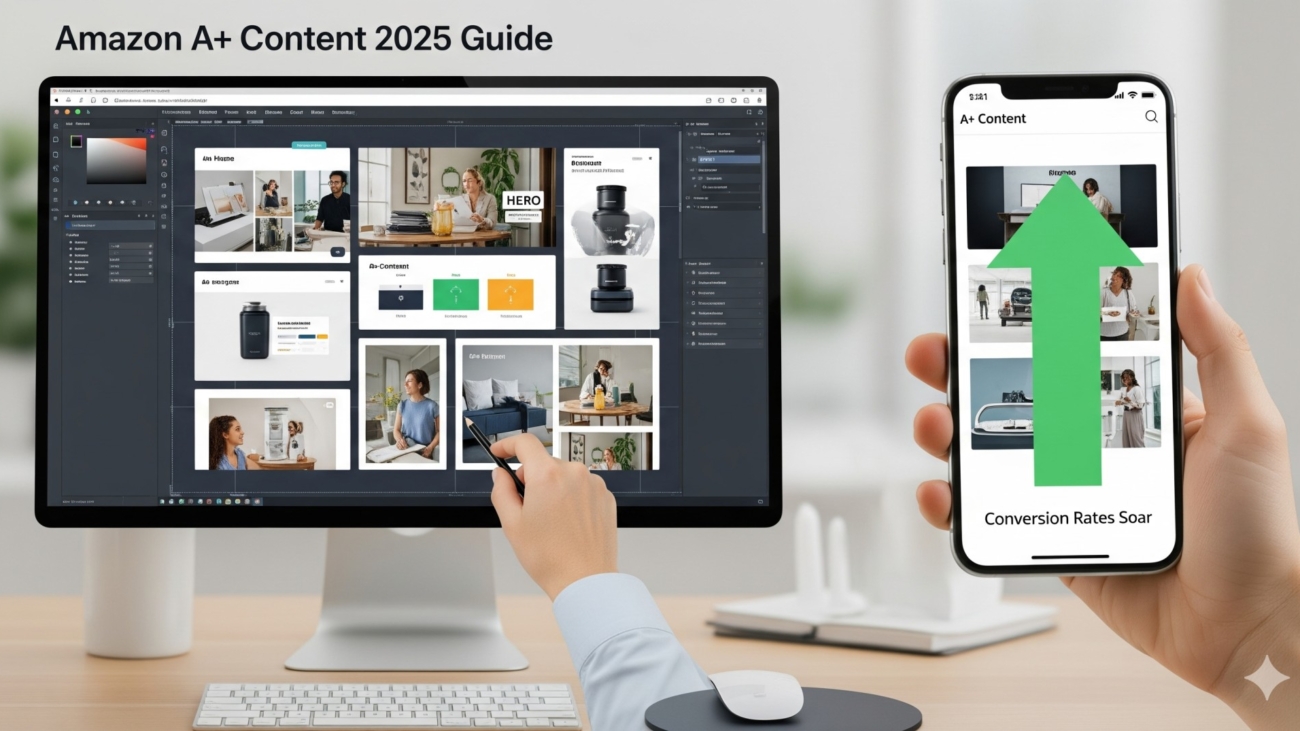
Everything you need to know about dimensions, modules, rules & design tips
A+ Content (also known as Enhanced Brand Content for sellers) is one of the most powerful tools you get once you’re brand registered on Amazon. Done right, it can:
- Increase your conversion rates by 10–30%
- Build trust and authority for your brand
- Help your product stand out in competitive niches
But if you’re a new seller, creating A+ Content can feel overwhelming. What dimensions should you use? What modules work best? What mistakes get you rejected?
Don’t worry — this guide covers everything you need to know about building your first A+ Content the right way.
1. What is Amazon A+ Content?
A+ Content lets you replace the standard product description with customized modules that include images, charts, comparison tables, and formatted text. This gives your listing a premium, brand-owned look — almost like a mini landing page inside Amazon.
2. A+ Content Requirements (Who Can Use It?)
- You must be enrolled in Amazon Brand Registry.
- Your brand must own the trademark.
- Not available for individual resellers — only brand owners.
3. Amazon A+ Content Image Dimensions (2025)
Here’s the most up-to-date breakdown of the image sizes you’ll need (always upload high-resolution JPG or PNG, max 2 MB, RGB color):
- Full-Width Banner: 970 x 600 px
- Standard Image with Text Overlay: 300 x 300 px
- Four Image Quadrant: 220 x 220 px per image
- Comparison Chart Images: 150 x 150 px
- Standard Company Logo: 600 x 180 px
- Video (if using Premium A+): 970 x 300 px (under 2 mins, MP4 only)
???? Pro tip: Always design a little larger than required (e.g., 1200 px wide) so it stays sharp on Retina/4K screens.
4. A+ Content Modules (What You Can Add)
Amazon gives you different module layouts to build your A+:
- Full-Width Banner (hero image with headline text)
- Single Image + Text
- Multiple Image Modules (2–4 images in a row)
- Comparison Charts (compare your product vs others)
- Text Only (rarely used, but available)
???? For new sellers: Start with 1 hero banner + 2 lifestyle modules + 1 comparison chart + 1 brand story. It’s simple and effective.
5. Best Practices for New Sellers
Here’s what you must keep in mind when building A+:
✅ Keep text short. Each paragraph should be under 100 words. People skim.
✅ Use lifestyle photography. Show people actually using your product.
✅ Highlight benefits, not features. Instead of “Stainless Steel,” write “Rustproof design that lasts for years.”
✅ Stay mobile-friendly. Over 70% of Amazon shoppers browse on mobile. Test your design on a small screen.
✅ Alt text for SEO. Every image lets you add alt text — use keywords naturally.
✅ Don’t duplicate info from bullets. Use A+ to expand, not repeat.
6. Amazon A+ Content Rules & Restrictions
Amazon is strict about what you can’t include in A+ Content. Here are the most common rejection reasons:
❌ No pricing info (like “Only $19.99!”)
❌ No promotional language (“Best Seller,” “#1 Rated”)
❌ No customer reviews or star ratings in images
❌ No external links
❌ No blurry/low-res images
❌ No spelling/grammar mistakes (Amazon rejects sloppy copy fast)
???? Always double-check the A+ Content Guidelines in Seller Central before submitting.
7. How to Structure Your A+ Content for Maximum Sales
Here’s a proven flow:
- Hero Banner: Big lifestyle image + headline (“Built for Everyday Adventures”).
- Problem → Solution Module: Show the pain points your product solves.
- Feature Grid: 3–4 images with short benefit text.
- Comparison Chart: Show why you’re better than competitors.
- Brand Story Section: Build trust and emotional connection.
This keeps shoppers engaged, answers objections, and ends with trust.
8. Premium A+ Content (Optional Upgrade)
If you qualify, Amazon offers Premium A+ (invite-only for high-performing brands). This unlocks:
- Interactive carousels
- Videos
- Hotspot modules (clickable images)
- Enhanced comparison tables
???? But don’t stress if you don’t have it — standard A+ is more than enough to boost conversions.
9. Measuring A+ Content Performance
After publishing, monitor these KPIs:
- Conversion Rate (CVR): Did conversions improve after launch?
- Session Duration: Are people staying longer on your listing?
- Return Rates: Did better explanation reduce returns?
You can track this via Business Reports in Seller Central.
10. Final Checklist for Your First A+ Content
✅ High-res images in correct dimensions
✅ Keyword-rich alt text in every image
✅ Short, scannable text (benefits > features)
✅ Lifestyle photography, not stock photos
✅ Comparison chart with clear advantages
✅ Brand story for trust
✅ Compliance with Amazon rules
Final Takeaway
A+ Content isn’t optional anymore. In 2025, it’s the difference between a listing that blends in and a listing that prints money. If you’re just starting out, follow the image dimensions, stick to the proven layout flow, and always design for mobile-first.
???? Want a team of pros to design A+ Content that converts like crazy? [Book your free creative consultation here]